macOS 14.6+ • Apple Silicon ReadyMenu bar intelligence for people who notice slowdowns first.

System Monitor for macOS

Lightweight and elegant system monitor in the menu bar. Track CPU, memory, disk and network in real-time.
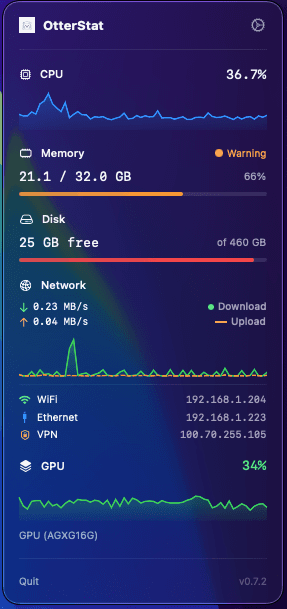
Live menu bar
CPU, RAM, disk, network, GPU
OtterStat menu bar system monitor showing CPU, memory, disk, network, and GPU metrics.
7-day trialNotarized by AppleApple Silicon and Intel

Built for everyday diagnosis

Everything you need

Monitor the most important system metrics directly from the menu bar

CPU

CPU usage monitoring with P and E core breakdown (Apple Silicon)

5

metrics

P/E core split
Thermal-aware load
Per-core readings

Memory

Detailed breakdown: Active, Wired, Compressed, Cached

3

views

Active and wired
Compressed memory
Cache visibility

Disk

Volume information, space usage, file system type

4

metrics

Volume health
Capacity pressure
Filesystem details

Network

Download and upload speed, local and public IP address

2

metrics

Download/upload
Local and public IP
Interface status

Real product screens

From quick menu checks to deeper diagnostics.

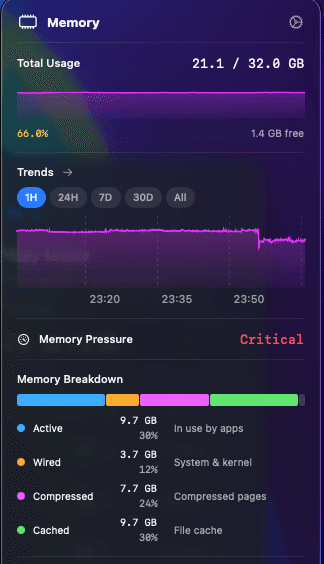
OtterStat keeps the compact menu view fast, then opens detailed CPU and memory panels when you need a closer look.
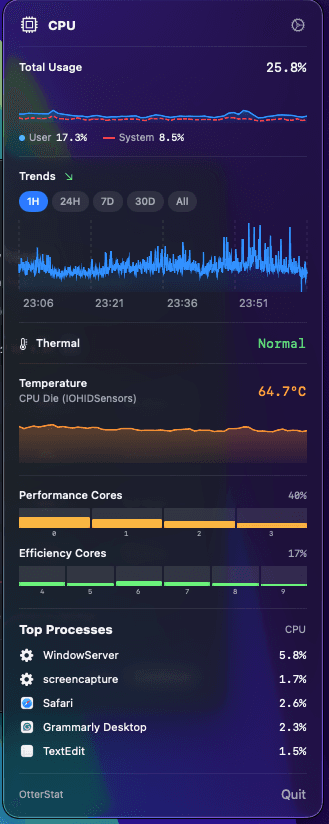
OtterStat CPU detail screen with trends, thermal status, temperature, performance cores, and top processes.
OtterStat memory detail screen with memory pressure, breakdown, and trend graph.
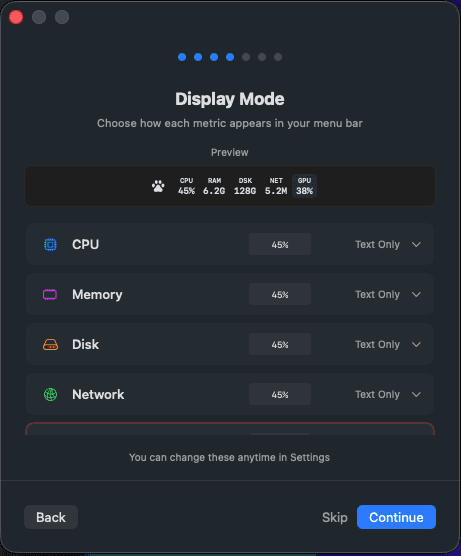
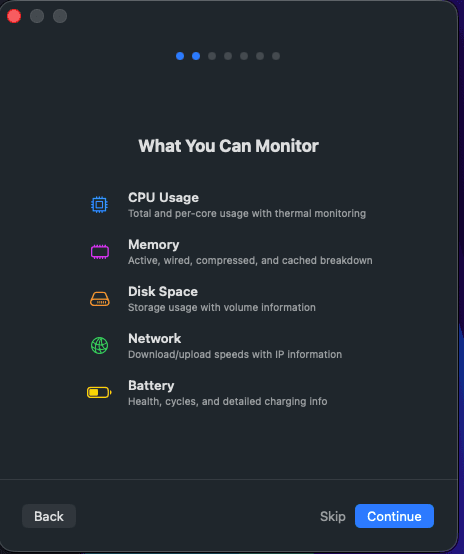
OtterStat onboarding screen explaining available monitoring categories.

Ready in under a minute

Download OtterStat

System monitor for macOS. Universal build for Apple Silicon and Intel Macs.
Download .dmg
7-day free trialLicensed upgradesApple notarized DMG

Latest release

OtterStat

macOS 14.6 or later
Apple Silicon or Intel
System requirements